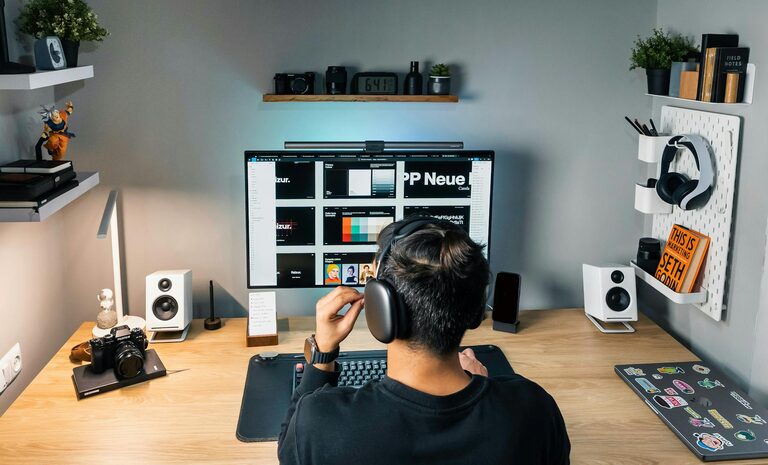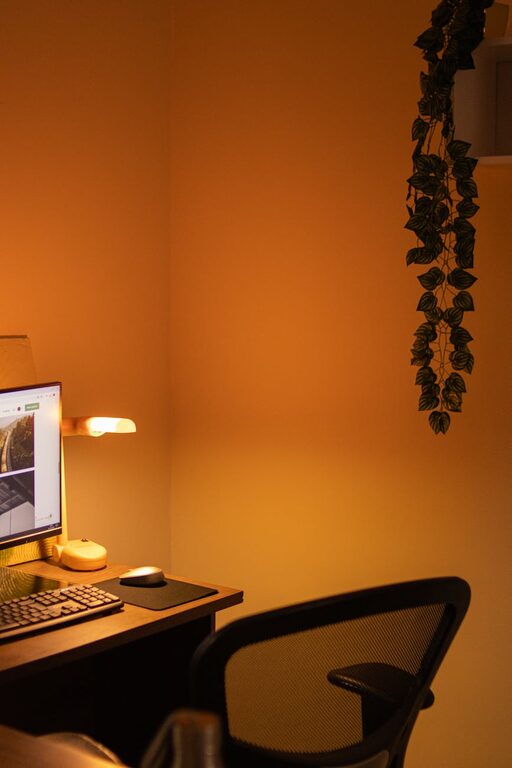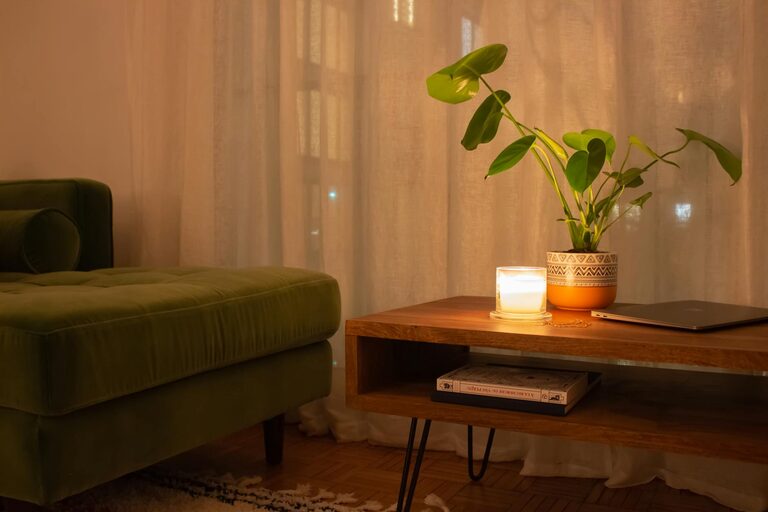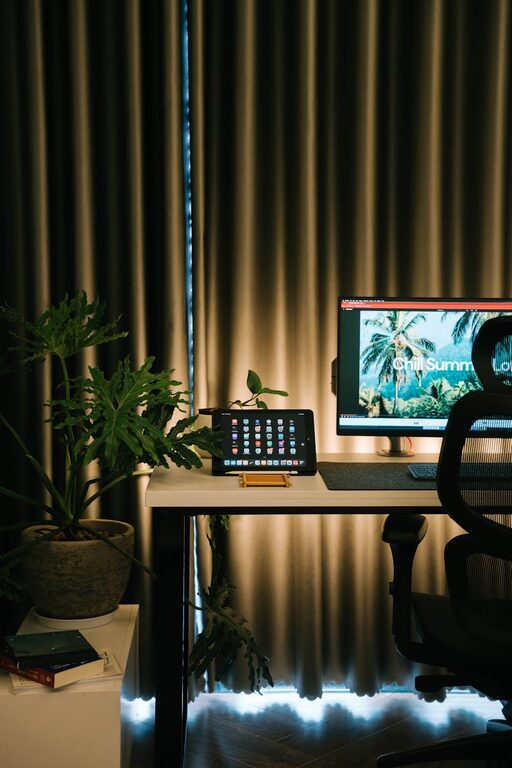
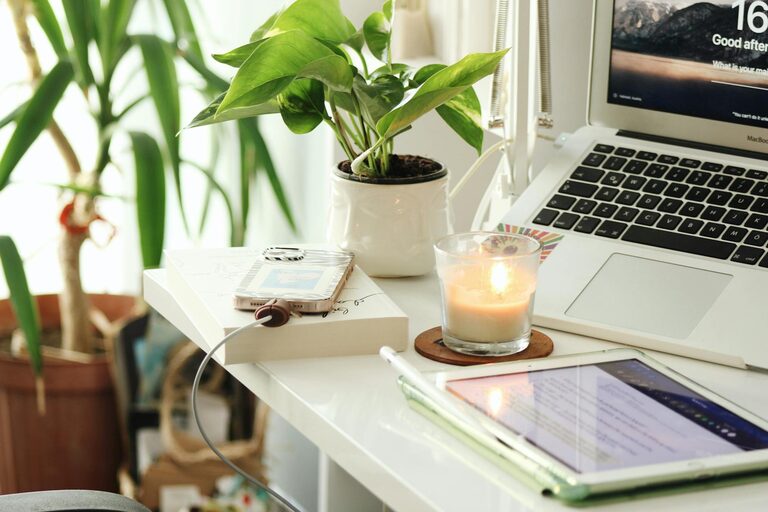
Creating a cozy and productive home workspace is essential for anyone who spends significant time working remotely. A well-designed area can boost your focus, inspire creativity, and make your workday more enjoyable. Here are key tips to help you set up a space that feels both comfortable and efficient.
Choose the Right Location
Find a Quiet Spot
Start by selecting a location where you can work with minimal distractions. This might be a spare room, a corner in the living room, or even a section of your bedroom. The key is to have a dedicated area that mentally separates work from leisure.
Consider Natural Light
Natural light not only reduces eye strain but also improves mood and alertness. Set up your desk near a window if possible. If natural light is limited, invest in good-quality artificial lighting that mimics daylight.
Invest in Comfortable and Functional Furniture
Ergonomic Chair and Desk
Comfort plays a big role in productivity. Choose an ergonomic chair that supports your spine and allows you to sit comfortably for long periods. Pair it with a desk at the right height that provides enough space for your computer, paperwork, and other essentials.
Flexible Layout
If possible, consider a desk that allows you to alternate between sitting and standing. Adjustable desks can help reduce fatigue and improve circulation, fostering better focus throughout the day.
Organize Your Workspace for Efficiency
Declutter Regularly
Keep your desk tidy to avoid distraction. Use organizers, drawers, or shelves to store supplies and paperwork. When items have a designated place, it’s easier to maintain order and find what you need quickly.
Use Cable Management Solutions
Cables can quickly become tangled and messy. Simple cable clips, sleeves, or boxes can help you keep cords neat and out of sight.
Personalize Your Space
Add Comforting Elements
Include items that make your workspace inviting, such as a soft throw blanket, a small rug, or a favorite cushion. Small touches can create a warm atmosphere that encourages you to settle in and work.
Incorporate Plants
Plants are known to boost mood and improve air quality. A few easy-to-care-for plants like succulents or spider plants can brighten your workspace and make it feel more welcoming.
Minimize Distractions
Control Noise
If possible, use noise-cancelling headphones or play ambient music to block out background sounds. A white noise machine can also help create a calm audio environment.
Set Boundaries
Communicate your work hours clearly to family or roommates. Having set times when you focus on work helps reduce interruptions and reinforces a professional routine.
Optimize Technology Setup
Reliable Equipment
Ensure your computer, internet connection, and other devices are dependable. Slow or faulty equipment can interrupt your flow and add frustration.
Helpful Accessories
Consider accessories like a second monitor, a quality keyboard and mouse, or a good webcam for virtual meetings. These tools can enhance comfort and productivity.
Maintain Healthy Habits
Take Breaks
Even in a cozy space, it’s important to step away regularly. Use breaks to stretch, hydrate, and rest your eyes. Following the 20-20-20 rule—looking 20 feet away for 20 seconds every 20 minutes—is helpful for eye health.
Stay Hydrated and Nourished
Keep a water bottle nearby and plan healthy snacks. Staying hydrated and well-fed supports focus and energy levels.
Keep It Flexible and Evolving
Adapt Over Time
Your needs may change as you settle into remote work. Don’t hesitate to reorganize or add new elements to your workspace as you discover what works best for you.
Experiment and Personalize
Try different layouts, lighting, or organizational methods. The goal is a space that supports your unique work style and keeps you motivated.
—
By focusing on comfort, organization, and a few thoughtful touches, you can create a home workspace that encourages productivity and makes work feel less like a chore. A cozy and efficient environment helps you stay focused, reduces stress, and enhances your overall work-from-home experience.
About the Author