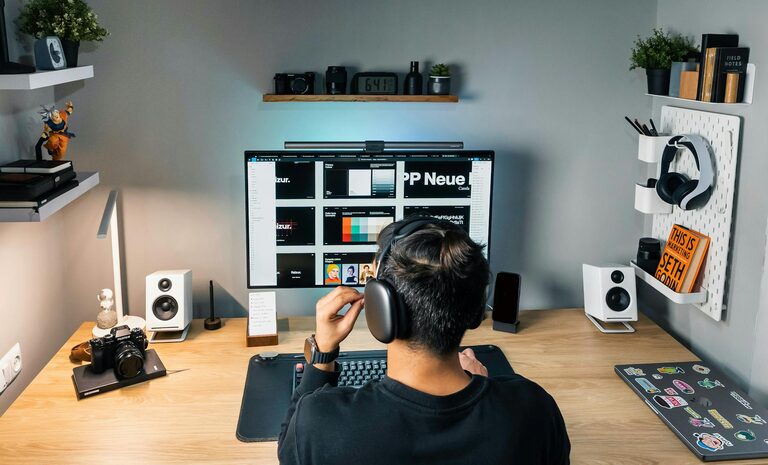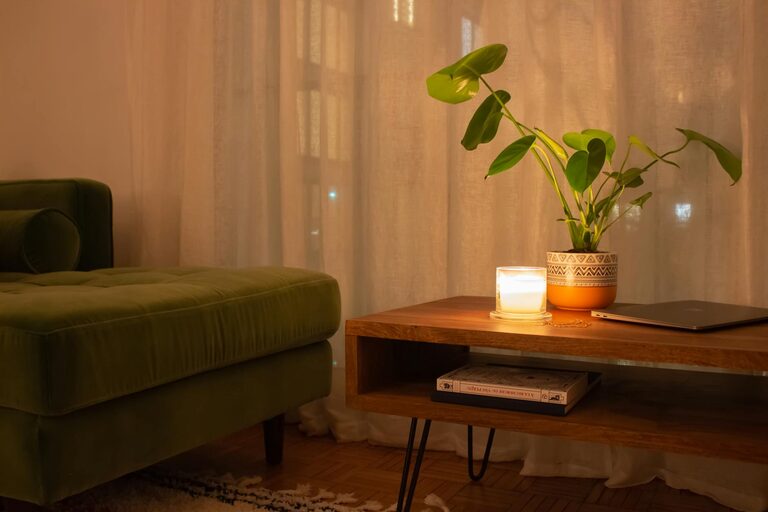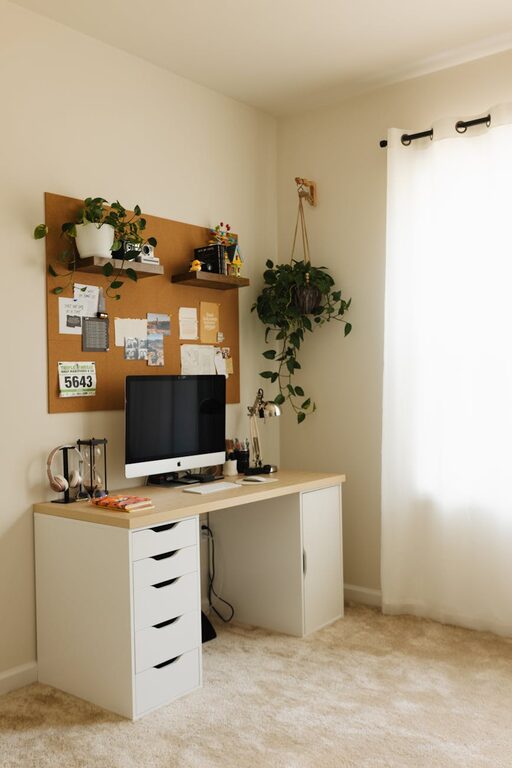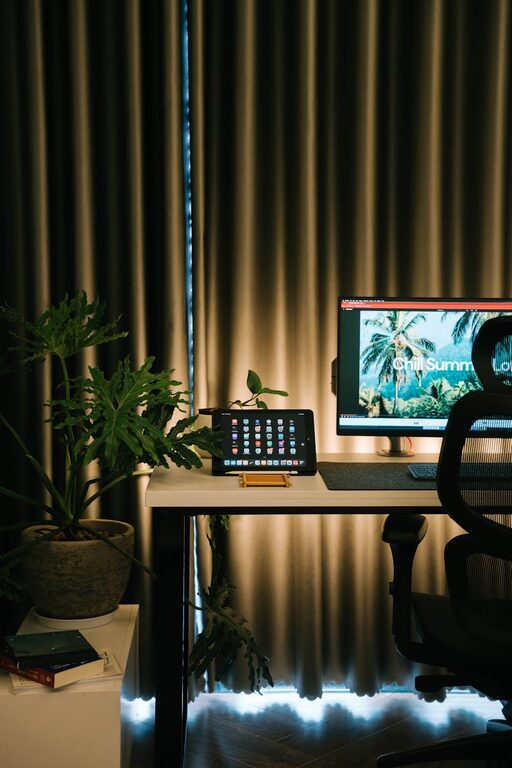
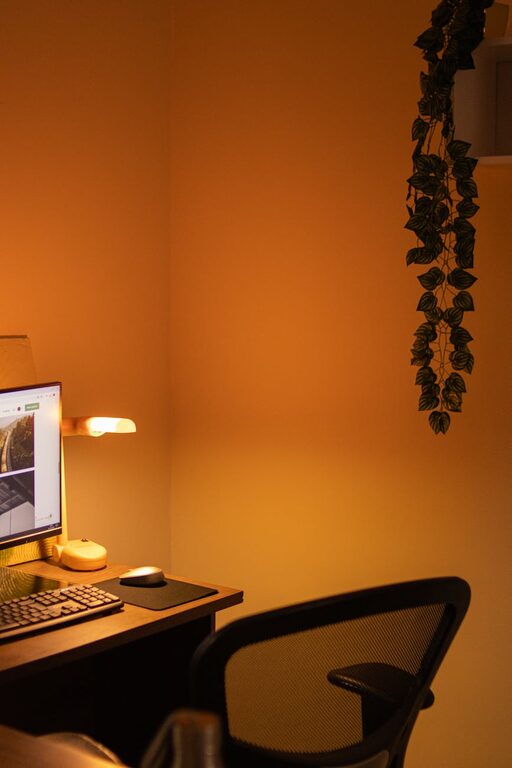
Creating a home workspace that is both relaxing and productive can significantly improve your work-from-home experience. When your environment supports comfort and focus, tasks become easier to tackle, stress reduces, and your overall satisfaction increases. Here’s a guide to help you set up a home office that balances tranquility with efficiency.
Why a Relaxing Workspace Matters
Working from home offers flexibility, but it also presents challenges like distractions and discomfort. A well-designed workspace can help you:
– Increase concentration and efficiency
– Reduce physical strain and fatigue
– Promote a positive mindset and motivation
– Maintain better work-life boundaries
By investing time in creating a calming and functional environment, you set yourself up for success.
Choose the Right Location
Find a Quiet Spot
Select a space in your home that is naturally quiet and has minimal foot traffic. This helps reduce interruptions and noise distractions.
Prioritize Natural Light
Position your desk near a window to benefit from natural daylight. Exposure to natural light can improve mood, increase alertness, and reduce eye strain.
Consider Ventilation and Temperature
Make sure your workspace is well-ventilated and maintains a comfortable temperature. Fresh air and proper climate help keep you alert and comfortable.
Invest in Comfortable and Ergonomic Furniture
Select an Ergonomic Chair
A supportive chair with adjustable height, backrest, and armrests helps prevent back and neck pain during long work hours.
Opt for a Suitable Desk
Choose a desk with enough surface area to hold your essentials while allowing space to move. Adjustable desks or standing desks can provide flexibility.
Position Equipment Correctly
Place your computer screen at eye level, about 20-30 inches away, to reduce neck and eye strain. Keep your keyboard and mouse within easy reach.
Organize with Purpose
Declutter Your Workspace
Keep your desktop clean and free of unnecessary items. Clutter can cause distractions and reduce your ability to focus.
Use Storage Solutions
Incorporate shelves, drawers, or organizers to store office supplies, documents, and personal items. This helps maintain order and frees up workspace.
Create a Filing System
Develop a simple, easy-to-maintain system for papers and digital files. This saves time and reduces stress when searching for important documents.
Personalize Your Environment
Add Plants
Indoor plants improve air quality and create a calming atmosphere. Choose low-maintenance plants like succulents or snake plants.
Incorporate Soothing Colors
Use soft, neutral colors or pastel tones for walls and decor to evoke relaxation. Avoid overly bright or harsh colors that may cause distraction.
Display Inspiring Items
Decorate with artwork, motivational quotes, or photos that make you feel positive and energized.
Manage Lighting and Noise
Use Adjustable Lighting
Add task lighting like desk lamps to reduce eye strain, especially when working in the evening or in low-light conditions.
Minimize Noise Distractions
Consider noise-canceling headphones or white noise machines if your workspace is prone to loud or sudden noises.
Control Glare
Position screens to avoid reflections from windows or lights. Use blinds or curtains to adjust natural light as needed.
Prioritize Breaks and Movement
Schedule Regular Breaks
Taking short breaks every hour helps maintain focus and reduces fatigue. Use techniques like the Pomodoro method (25 minutes work, 5 minutes break).
Incorporate Stretching or Light Exercise
Use breaks to stand, stretch, or walk briefly. Movement improves circulation and reduces muscle stiffness.
Foster Work-Life Balance
Set Clear Boundaries
Define specific work hours and communicate them to family or housemates. Avoid working from spaces associated with relaxation, like the bed or couch.
End Your Workday with a Ritual
Establish a routine that signals the end of your workday, such as turning off your computer or tidying your desk. This helps transition to personal time.
Maintain Technology Efficiency
Keep Devices Updated
Regularly update your computer, software, and apps to ensure smooth performance.
Manage Cable Clutter
Use cable organizers or clips to keep cords tidy and out of the way, reducing distractions and hazards.
Ensure Reliable Internet
A stable internet connection is essential for productivity, especially for video calls or cloud-based work.
—
Creating a relaxing home workspace is about balancing comfort, organization, and functionality. By thoughtfully setting up your environment, you empower yourself to be more productive, less stressed, and more satisfied with your workday. Start small with a few changes and adjust your space as you discover what works best for you.
About the Author